About 3D printing
How to order something similar to a portfolio work
Choose a real piece from our portfolio and explain what to keep or change. Your selected work stays attached as a reference in the enquiry.
Author: Only3D Print editorial team
Published:
Found a stand, miniature or enclosure you like in our portfolio? Open its page and use the button to request something similar. The website takes you to the enquiry form and keeps that work as your reference. You can then explain what should stay the same and what needs to change for your project.
Take a closer look at the work
The Only3D portfolio contains real photographs of the pieces. Open a work to read its description and enlarge the photos. Some works also have several views. Look at the overall shape and the details that matter to you.
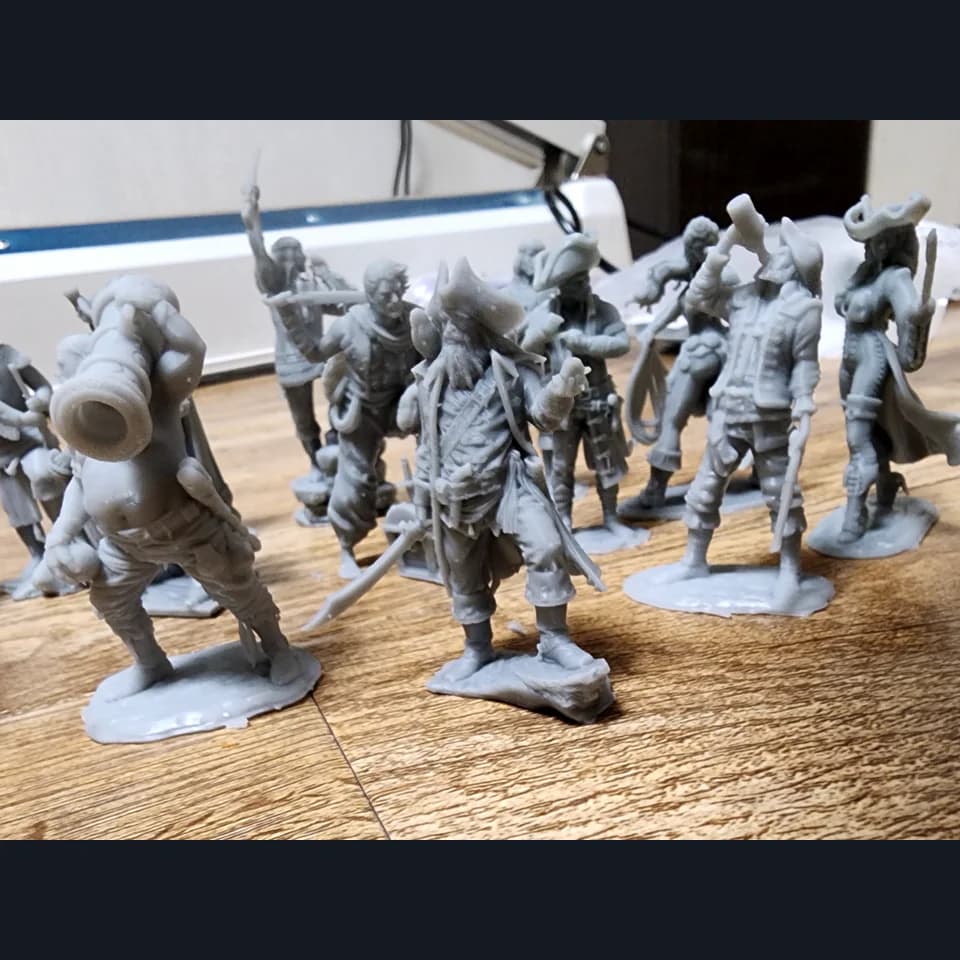
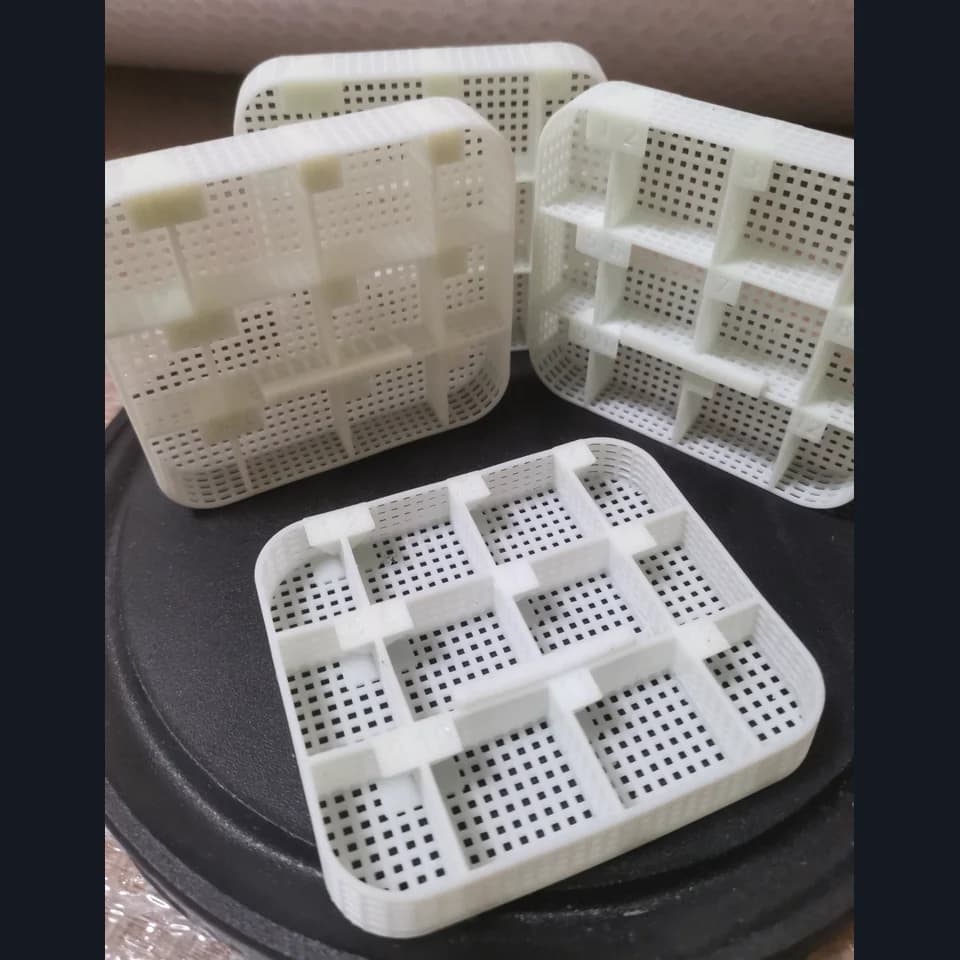
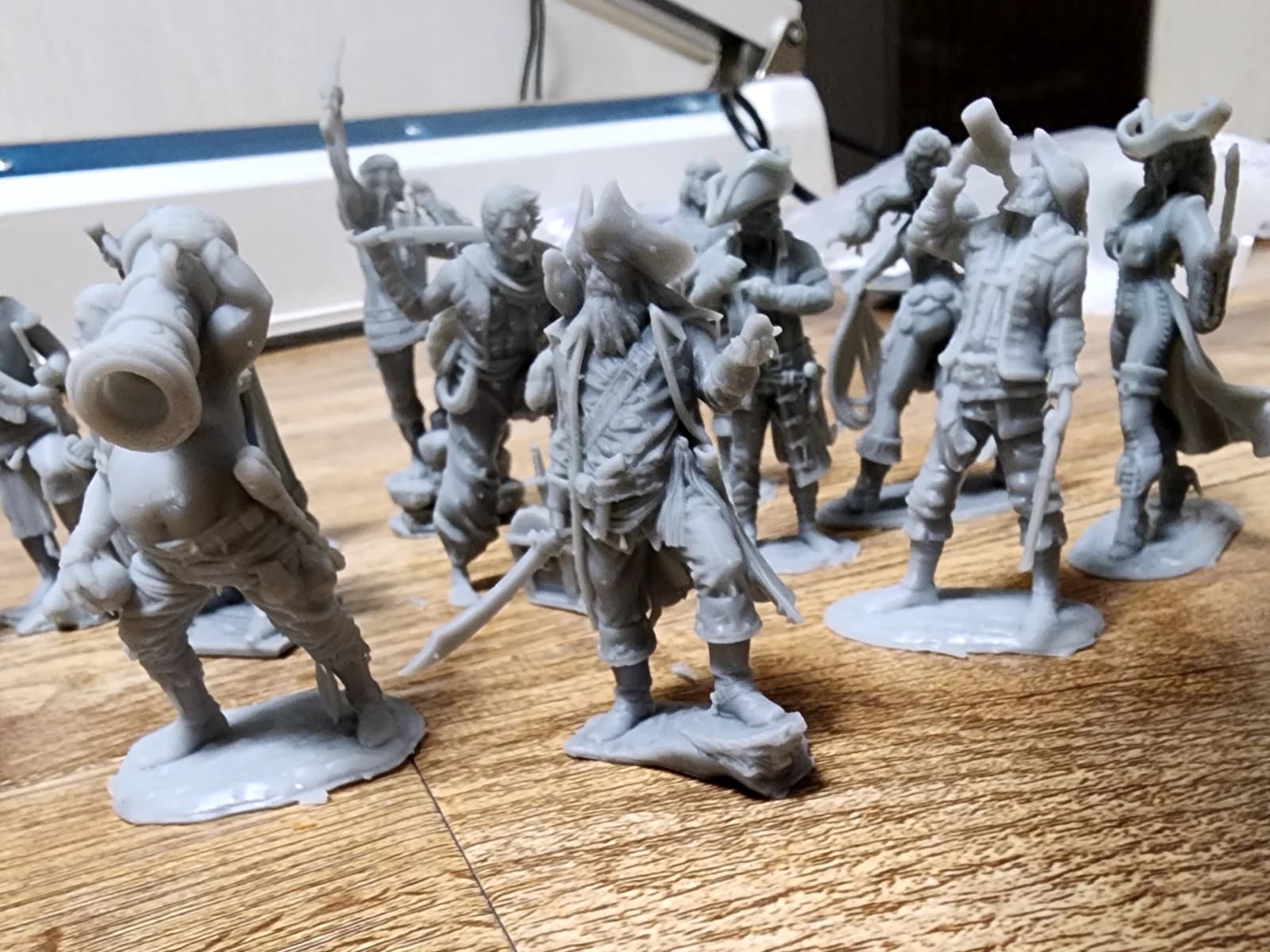
For example, the pirate miniatures show different poses, hats, clothing and bases. The trays with dividers show the arrangement of compartments and openings. These references can help explain the result you want, even if you do not yet have a sketch of your own.
Do not assume exact dimensions or materials from a photograph if they are not stated in the description. Those details need to be discussed for your project. Use the image to show the idea you like, and list unknown specifications as questions.
Explain what “similar” means to you
People can take different things from the same example. You may want a stand’s shape, its function or its appearance at a different size. A short list of requirements makes that distinction clear.
- What to keep: the overall silhouette, layout, base style or intended function.
- What to change: dimensions, compartments, lettering, colour, included pieces or mounting.
- How many: one object, an identical set or several different versions.
- Where it will be used: at home, on a desk, in a workshop, outdoors or as a display piece.
For a set, explain whether the pieces are identical. “Six identical figures” and “six different characters” involve different preparation and quoting. If the project is for an event, include the required date in your description. We will discuss whether that date is achievable.
An example request using a portfolio reference
“I like the overall look of the pirate miniatures in this work. I would like a set of three different characters, about 60 mm tall, unpainted because I plan to paint them myself. I would like round bases. I do not have any files yet and would like to discuss model options. The size is approximate.”
This is an example of how to describe a project, not a promise that a particular set or model is available. The selected work is already included in the request, so you do not have to describe everything visible in its photos. Focus on the changes and the result you want.
Add your own references
The portfolio button opens the “I don’t have a model yet” option. You can attach your own photos and sketches: up to five JPG, PNG, WebP or PDF files, each no larger than 10 MB. Use them to show a different colour, the intended location or the dimensions you need.
If you already have a 3D model, switch to “I have a 3D model” and upload it. The portfolio reference remains attached to the request. See our guide to requesting a quote with a model for that route.
What happens after you submit
Add your name and preferred contact details, then send the request. The confirmation will show a request number. The team can review the selected work alongside your description and attachments, then clarify the requirements for your piece.
A price for an existing work cannot automatically be carried over to a modified design. Dimensions, quantity, model preparation and finishing may differ. Your quote will be based on the project you actually want to make.