About 3D printing
How to order a 3D print without a model
What to include in your enquiry, which dimensions to note and which photos or sketches help us understand the object you want to make.
Author: Only3D Print editorial team
Published:
You do not need a finished 3D model to contact Only3D. Start with a description, a photo or a sketch: tell us what you want to make, what it will be used for and how many you need. The website has a separate “I don’t have a model yet” option. We can discuss model preparation and pricing once the requirements are clear.
Start with what the object needs to do
Instead of simply writing “an enclosure”, explain what goes inside it, where it will sit and how it will be mounted. For a stand, tell us what it needs to hold and how much desk space is available. For a figure, describe the character, size and appearance: an unpainted piece or a painted finish.
You do not need to know material names or printing technologies in advance. If you are unsure which material to choose, describe the conditions of use. Mention water exposure, outdoor placement, heat, loads or frequent disassembly. These are requirements to discuss, rather than a guarantee that every design can be printed.
Add dimensions and quantity
The form has separate fields for approximate dimensions and quantity. Include the units: “120 × 80 × 40 mm” is clearer than “120 by 80”. If you do not have exact measurements yet, give an estimate and say which dimensions still need checking.
List anything that must fit an existing object: holes, mounting distances, cable openings, slots or mating surfaces. Mark these on a sketch where possible. Keep approximate measurements clearly labelled so they are not mistaken for final dimensions.
Attach photos or a simple sketch
You can attach up to five JPG, PNG, WebP or PDF files, each no larger than 10 MB. They are saved with your request. A clear hand-drawn sketch is enough to explain the idea; you do not need a professional drawing for the first conversation.
Choose views that add useful information:
- an overall view of the object or its intended location;
- side and rear views if they show important features;
- a close-up of a fixing, damaged area or part you need;
- a sketch with dimensions and notes on what should change.
A ruler in the photo can provide a reference, but write down the important dimensions too. If you include an image as a visual reference, explain which features you like: its shape, layout or colour. A photo helps communicate an idea, but does not define every dimension of the future model.
An example of a useful description
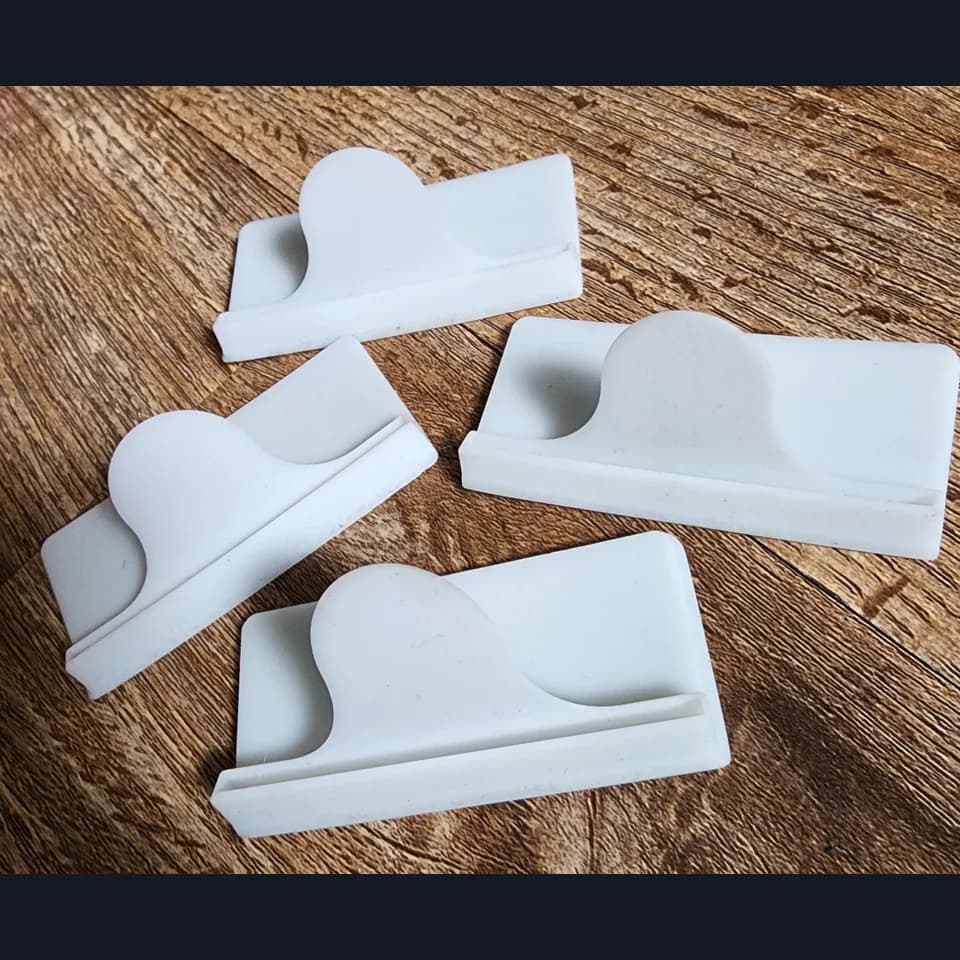
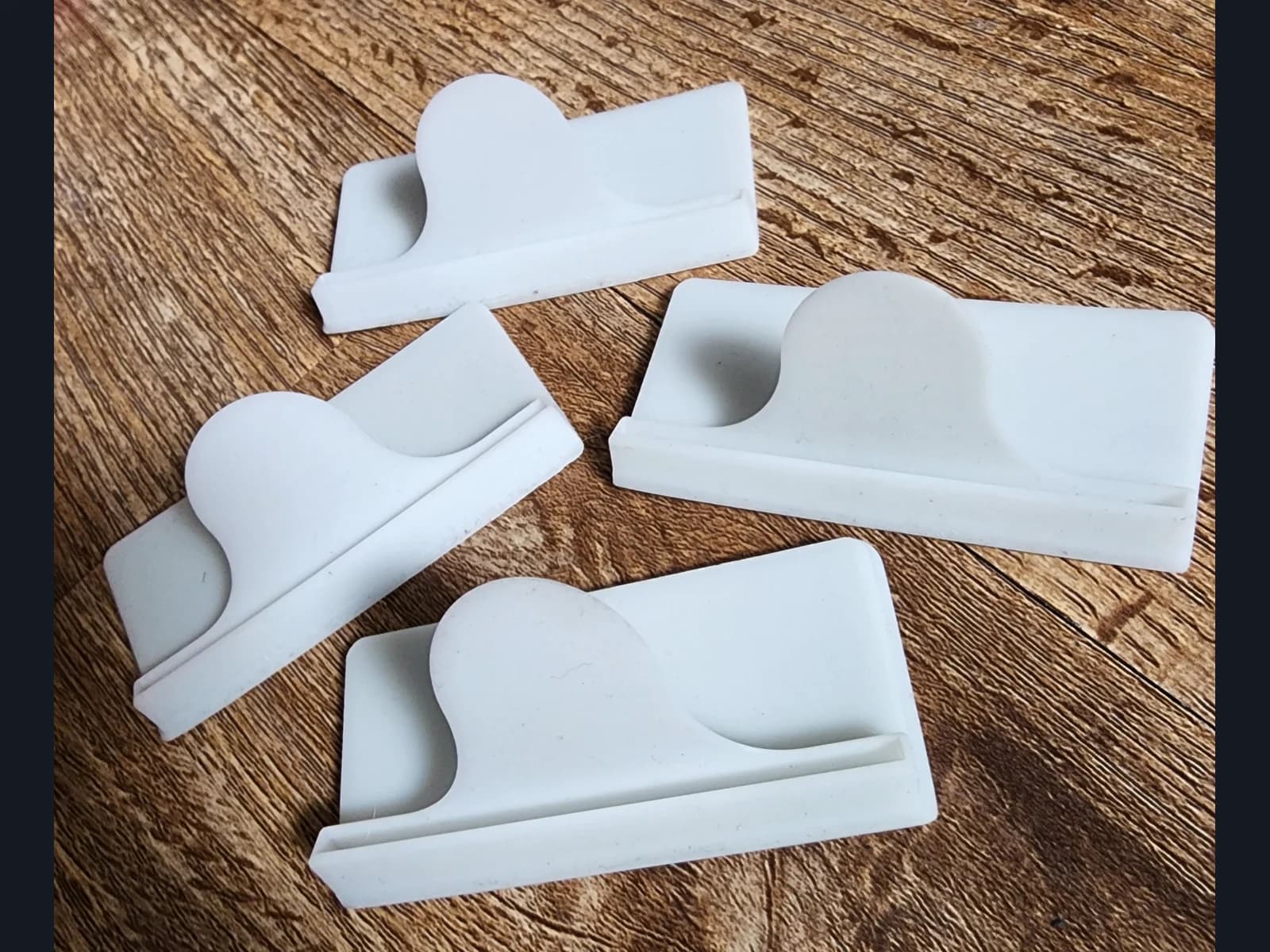
“I need four desktop sign holders. The sign is about 150 × 100 mm; I still need to check its thickness. The holders will be used indoors and should be white. They need a slot for a replaceable sign. The sketch shows the shape I have in mind. I do not have a model and need help preparing one.”
This is a sample brief, not a description of a completed order. For an example of this type of object, see our desktop sign holders.
Send the request with your contact details
Open the form for projects without a model, describe your idea and add any useful photos, your name and a contact method. You can provide Telegram, a phone number or an email address. Business enquiries also have a company name field.
After submission, the page will display a confirmation and request number. We will then discuss missing details and model preparation. If you have found a suitable example on the website, you can start from a portfolio work so that it is included as a reference in your request.